Standard Operating Procedure to Register for IIBA Membership:
Step-1: Goto https://www.iiba.org
Step-2: Click Joinlink :https://www.iiba.org/membership/how-to-become-a-member
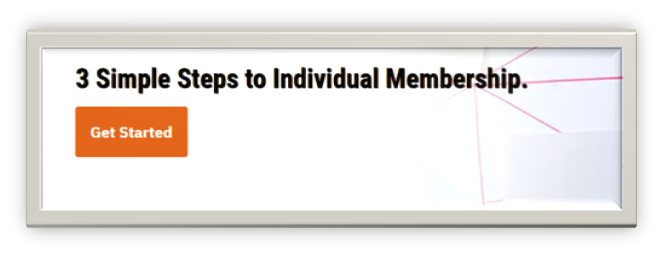
Step-3: Click Get Started Button
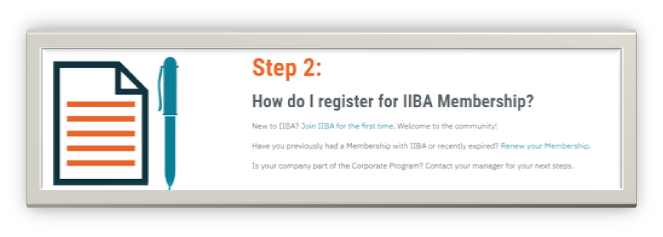
Step-4: Then under the step 2 please click the link of Join IIBA for the first time.
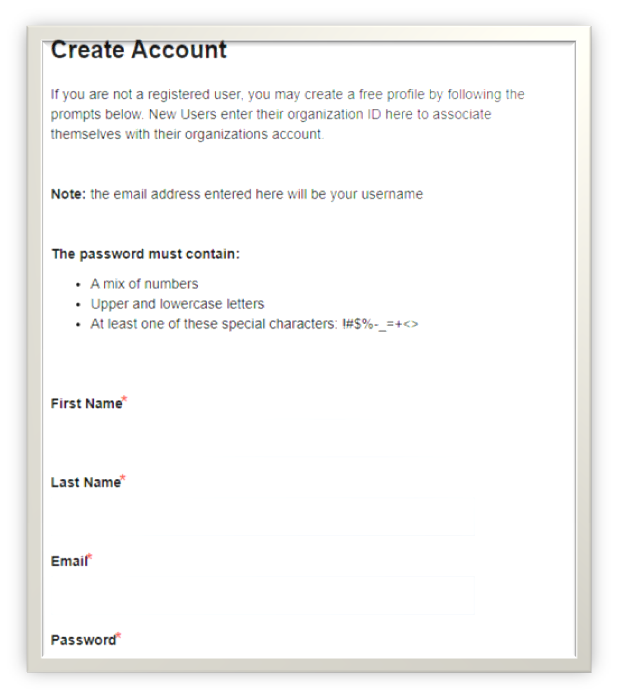
Step-5: It will go to this page
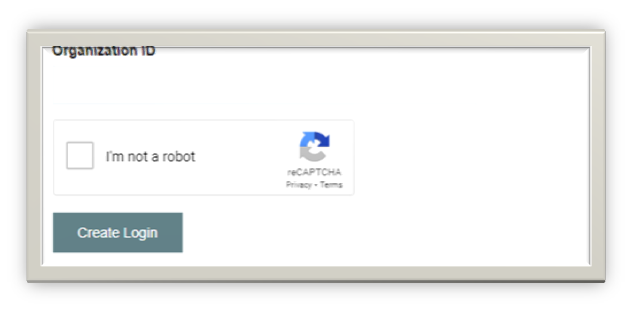
Step-6: Please fill the First Name, Last Name, Email, Password, and Organisation ID
Step-7:Check Recaptcha
Step-8: Then click Create Login Button
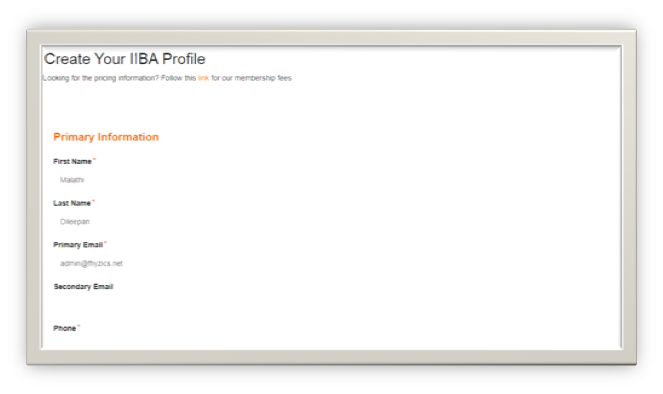
Step-9: Then it will ask your primary information as phone, secondary email
Step-10: Please fill the work information such as Job Title, Industry, Professional Level and Referred by Email Address
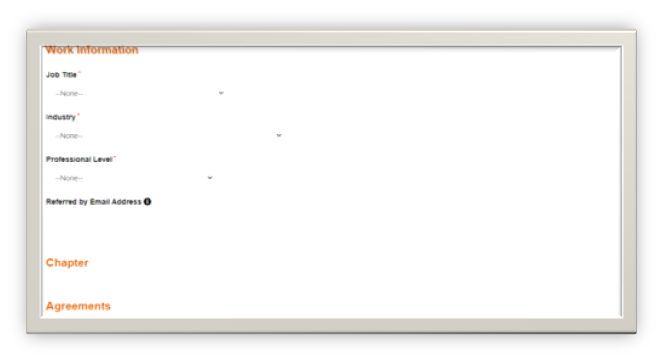
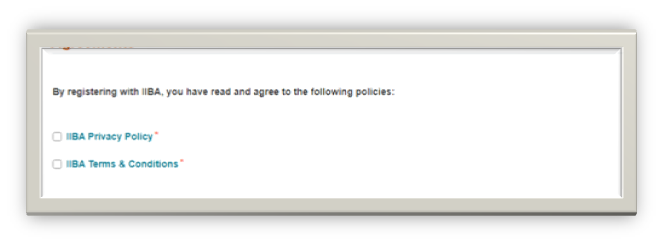
Step-11: Then check IIBA Privacy policy and IIBA Terms and Conditions under the agreements section
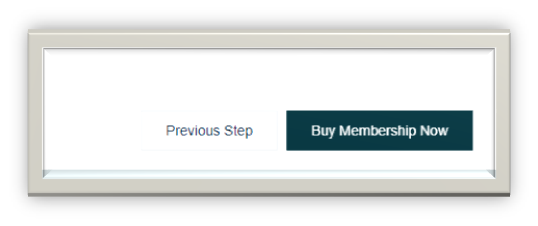
Step-12: Then click Buy Membership Now Button
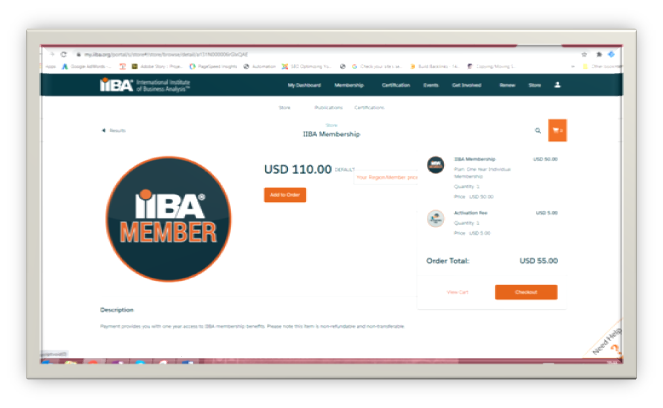
Step-13: Then goto the cart click checkout
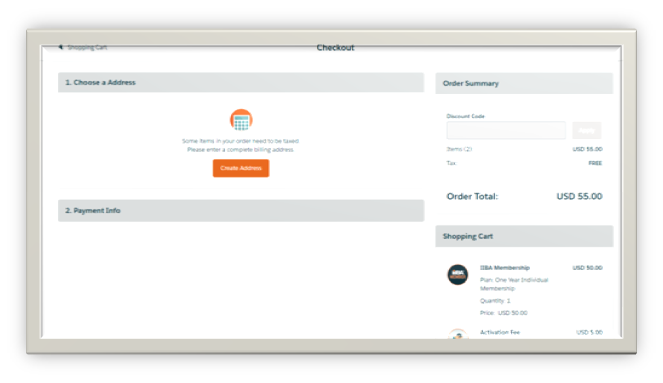
Step-14: It will ask your card details, please enter under the payment Info
Step-15: Once the payment is made, your membership is activated
Step-16: Once we ordered, need to inform about this order to the concerned person
Step-17: And put an entry in HubSpot and Quickbook for Accounting

.jpg "IISCM Digest (1)")